4K Ultra HD Blu-ray: what do you need to watch it?
A 4K disc does not play on every player. What you need in player, TV and cable, and what to watch for with HDR, sound and imports.

Popular picks from this guide



Popular products at today's lowest price. Compare every shop on the product page.
Short answer: To watch a 4K Ultra HD Blu-ray you need three things: a player that plays Ultra HD Blu-ray, a 4K TV with HDR and an HDMI cable that handles 4K with HDR. A regular Blu-ray player does not play 4K discs. Many 4K releases include a regular Blu-ray, so you can also watch the film on an older player.
The details below come from the Blu-ray Disc Association, which manages the standard, from the makers of players and consoles and from the product names in our catalogue. Playtto does not test players or discs; check the back of the case for the details.
What is 4K Ultra HD Blu-ray?
Ultra HD Blu-ray is the disc format for films in 4K: 3840 by 2160 pixels, four times as many as Full HD. According to the Blu-ray Disc Association, HDR10 is mandatory on these discs; Dolby Vision and HDR10+ are extensions a disc may have. HDR gives a wider range between light and dark and more colours. Which kind of HDR a disc carries is printed on the back.
In product names you recognise these releases by "4K Ultra HD Blu-ray", "4K UHD", "Ultra HD" or "Blu-Ray 4K", such as 300 and 1984.
The player: standalone or a console
You play a 4K disc on an Ultra HD Blu-ray player, recognisable by the Ultra HD Blu-ray logo. Such a player also plays regular Blu-rays and DVDs. A regular Blu-ray player, on the other hand, cannot read 4K discs, even if it sends a 4K picture to the TV.
A games console can do it too: Sony says the PlayStation 5 with a disc drive plays Ultra HD Blu-ray, and Microsoft says the same of the Xbox Series X with a disc drive. The Xbox Series S, the PlayStation 5 Pro and the digital editions of the PlayStation 5 and Xbox Series X have no disc drive; for the digital PlayStation 5 and the PlayStation 5 Pro Sony sells a separate disc drive, which according to Sony plays 4K Ultra HD Blu-ray.
Films on 4K Ultra HD Blu-ray
- Warner Bros.
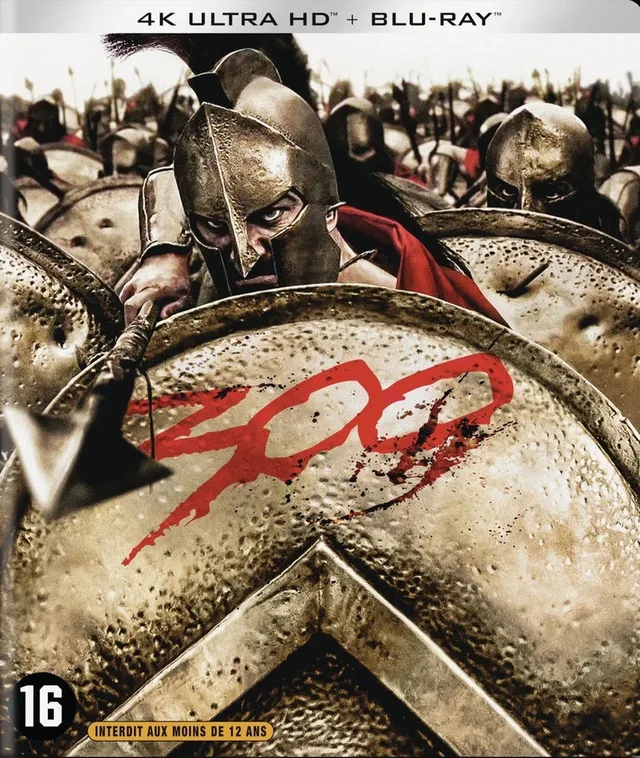
300 (4K Ultra HD Blu-ray)
€26 · at 1 shop
- Capelight Pictures

1984 (4K UHD-Blu-ray)
€23.98 · at 1 shop
Lowest in 23 days
- Plaion

Legend of Tarzan
(Ultra HD Blu-ray (Import)€29.17 · at 1 shop
- Arrow Video

The Dollars Trilogy
Limited Edition · UltraHD · Import€88.44 · at 1 shop
The TV and the cable
For the full picture you need a 4K TV with HDR. Check that the TV supports the HDR type of your disc: every 4K HDR TV handles HDR10, but not every one handles Dolby Vision and HDR10+. If the TV does not support a type, you get the picture in HDR10.
Connect the player to an HDMI input that handles 4K with HDR; on many TVs that is not every input, and the TV's manual says which. Use an HDMI cable certified for it: HDMI Licensing Administrator names the Premium High Speed HDMI cable for 4K with HDR, and the Ultra High Speed HDMI cable for higher speeds.
Sound: Dolby Atmos and DTS:X
Many 4K discs have a soundtrack in Dolby Atmos or DTS:X, with sound from above. You only hear that with a receiver or soundbar that supports the format. Without one you still hear the film normally, just without the sound from above.
4K with a Blu-ray included
Many releases contain the film on a 4K disc and on a regular Blu-ray. Product names show this as "[Blu-Ray 4K]+[Blu-Ray]" or "Ultra-HD + Blu-ray", as with Hook, It Chapter One, Curse of Chucky and Le Cercle Rouge. Handy if you also want to watch the film on a player without 4K, for example in a second room.
4K with a regular Blu-ray included
- Plaion

Hook [Blu-Ray 4K]+[Blu-Ray]
€26.88 · at 1 shop
- Warner Bros.
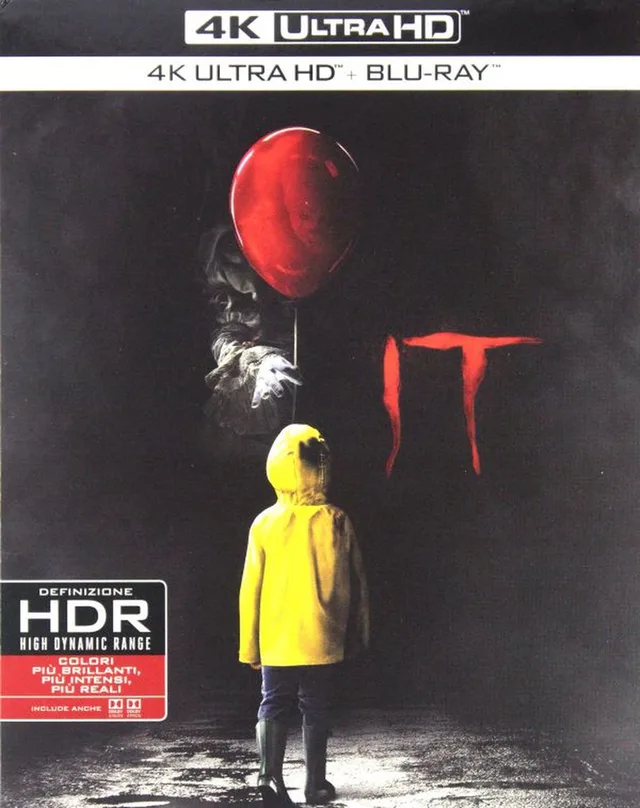
It Chapter One [Blu-Ray 4K]+[Blu-Ray]
€35.61 · at 1 shop
- Plaion

Curse of Chucky [Blu-Ray 4K]+[Blu-Ray]
€49.35 · at 1 shop
Lowest in 23 days
- Plaion

Le Circle Rouge Ultra-HD + Blu-ray]
€41.95 · at 1 shop
Region codes, subtitles and imports
Regular Blu-rays often have a region code; the Netherlands and Belgium are region B, like most of Europe. A disc made only for another region will then not play on a region B player. Most Ultra HD Blu-rays have no region code, but the regular Blu-ray included sometimes does. Check the back.
If "Import" is in the name, as with Legend of Tarzan and The Dollars Trilogy, the release was made for another country. Check which subtitles it has; they are listed with the language and subtitle details in the description.
How to compare
On Playtto every release of a film has its own EAN and its own version on the product page: DVD, Blu-ray, 4K and steelbook separately. That way you see prices for exactly the release you want. All films are under Films, series under Series.
Frequently asked questions
Can I play a 4K Blu-ray on a regular Blu-ray player?
No. You need an Ultra HD Blu-ray player, or a PlayStation 5 or Xbox Series X with a disc drive. If a regular Blu-ray is included with the 4K disc, you can watch that one on a regular player.
Does the PS5 play 4K Blu-ray?
Sony says the PlayStation 5 with a disc drive plays Ultra HD Blu-ray. The digital edition and the PlayStation 5 Pro have no disc drive built in; Sony sells one separately.
Do I need a special HDMI cable for 4K?
Use a cable certified for 4K with HDR, such as the Premium High Speed or Ultra High Speed HDMI cable. Connect it to an HDMI input on the TV that supports 4K with HDR.
What is the difference between HDR10 and Dolby Vision?
Both are HDR formats. According to the Blu-ray Disc Association, HDR10 is on every Ultra HD Blu-ray; Dolby Vision is an extension that not every disc and not every TV has.
Keep looking
Playtto doesn’t review albums or films itself. This guide sets out what labels and studios state.
Products from this guide
Popular products with a current price at the shops. Compare the prices on the product page.
- Warner Bros.

Nightmare On Elm Street Collection
From €35.40 · at 1 shop
- Warner Bros.

Black Adam
From €13.04 · at 1 shop
- Warner Bros.

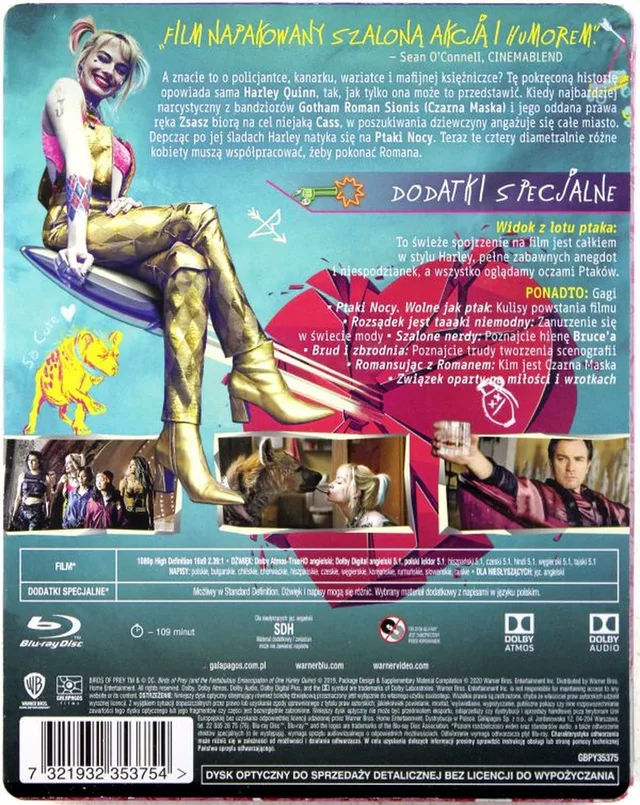
Birds Of Prey
From €10.99 · at 1 shop
- Warner Bros.

Godzilla vs. Kong
From €13.25 · at 1 shop
Lowest in 23 days
- Warner Bros.

Dune
Part OneFrom €12.22 · at 1 shop




More buying guides
- Buying vinyl: what to look for in speed, 180 gram and pressings You choose a record by format, speed and edition. What the terms in the product name mean, from 180 gram to half speed and Record Store Day. Read the guide
- Collecting steelbooks: format, limited runs and storage You buy a steelbook for the metal case. How to see which disc is inside, which subtitles it has and how to keep the case in good shape. Read the guide